Tutorial
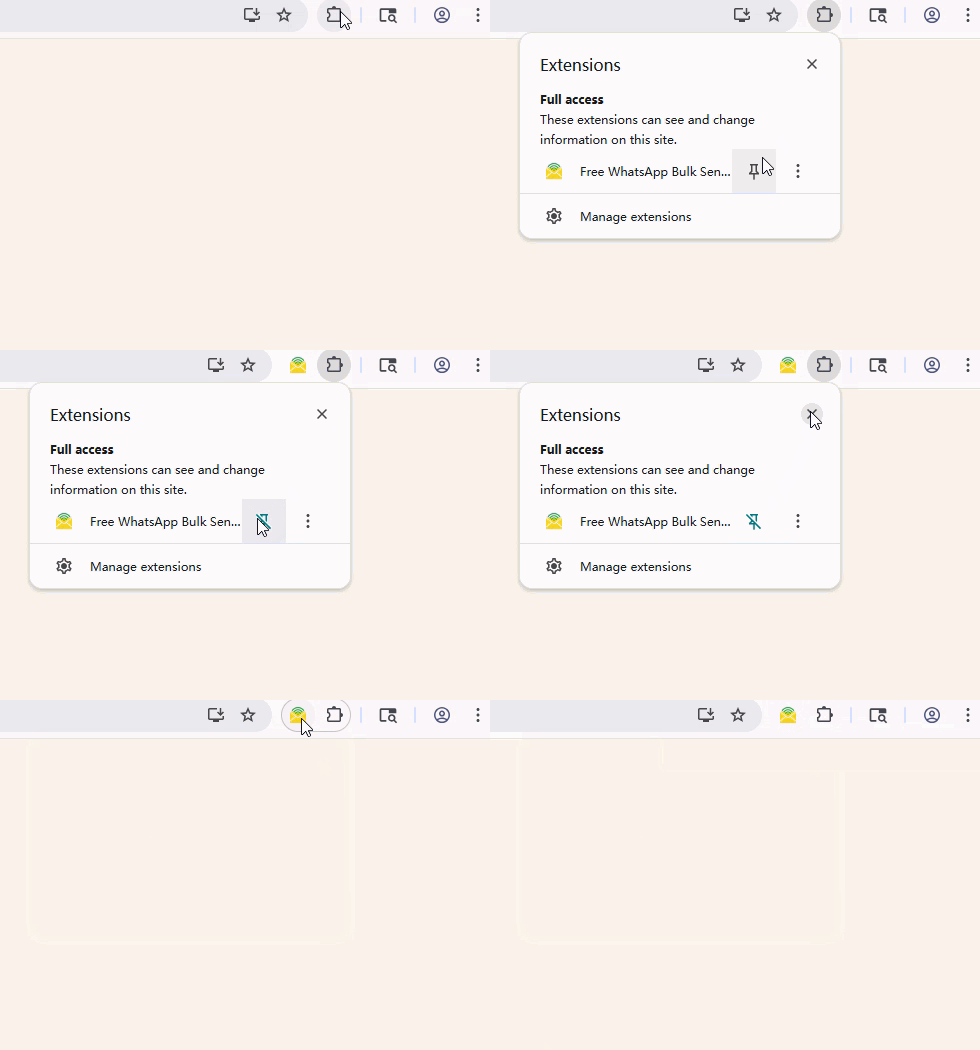
Please pin Free WhatsApp Bulk Sender to browser bar for easy access
Click "Extensions" icon
Find the puzzle-like icon in the top right corner of your browser.
Click "Pin" button
Find the extension and click the pin icon. It's successful when the icon turns blue/colored.
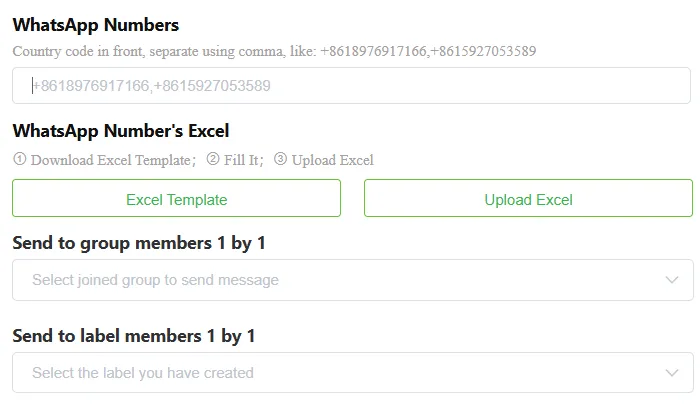
Import Number List
Support Excel Templates import Contacts. Smartly identify country codes and filter invalid formats. Click "Upload Excel" to upload your customer list with one click.
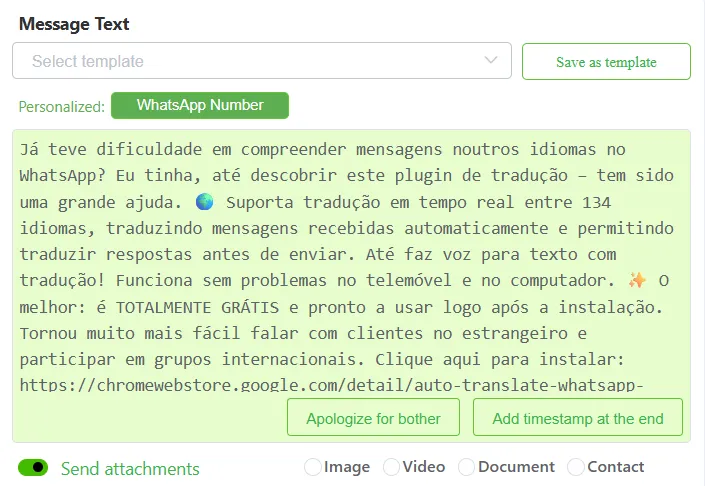
Compose Personalized Message
Support inserting Emojis, images, and document attachments. Use {Name} variable to make every bulk message feel like a one-on-one conversation, significantly improving reply rates.
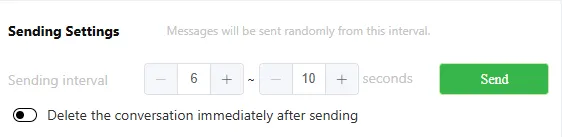
Safe Sending Settings and Automation Send
Anti-ban Key: Set random sending intervals (e.g., 20-50 seconds) to mimic real human behavior and significantly reduce the risk of being flagged by the system. Additional features include Schedule for timed messaging and Delivery Report for message tracking.
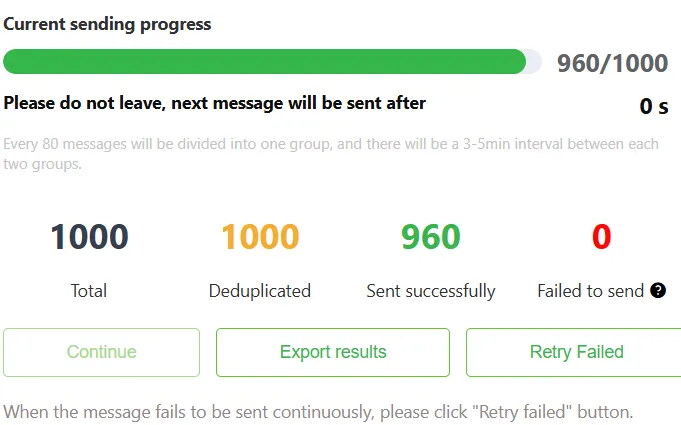
Monitor Progress
Visual progress bar display. You can see the number of successful and failed sends in real-time. After sending is complete, support one-click "Export results" to export reports.