
Why Verify WhatsApp Numbers? The Ultimate Guide to Bulk Checking & Risk Mitigation
In modern B2B customer acquisition and direct WhatsApp marketing, data quality determines your ROI. However, many sales teams and digital marketers make a costly mistake: importing raw, unverified phone lists directly into outreach campaigns. Sending messages to unregistered or inactive phone numbers not only wastes budget, but also triggers WhatsApp's strict anti-spam filters, leading to instant account bans.
This is why performing a WhatsApp number check prior to launching any broadcast campaign is no longer optional—it is a mandatory prerequisite for successful growth.
In this ultimate guide, we explore why you must verify WhatsApp numbers, the key benefits of bulk validation, the hidden risks associated with checking numbers improperly, and how WAChecker (the official WhatsApp Number Checker extension) mitigates these risks to protect your accounts.
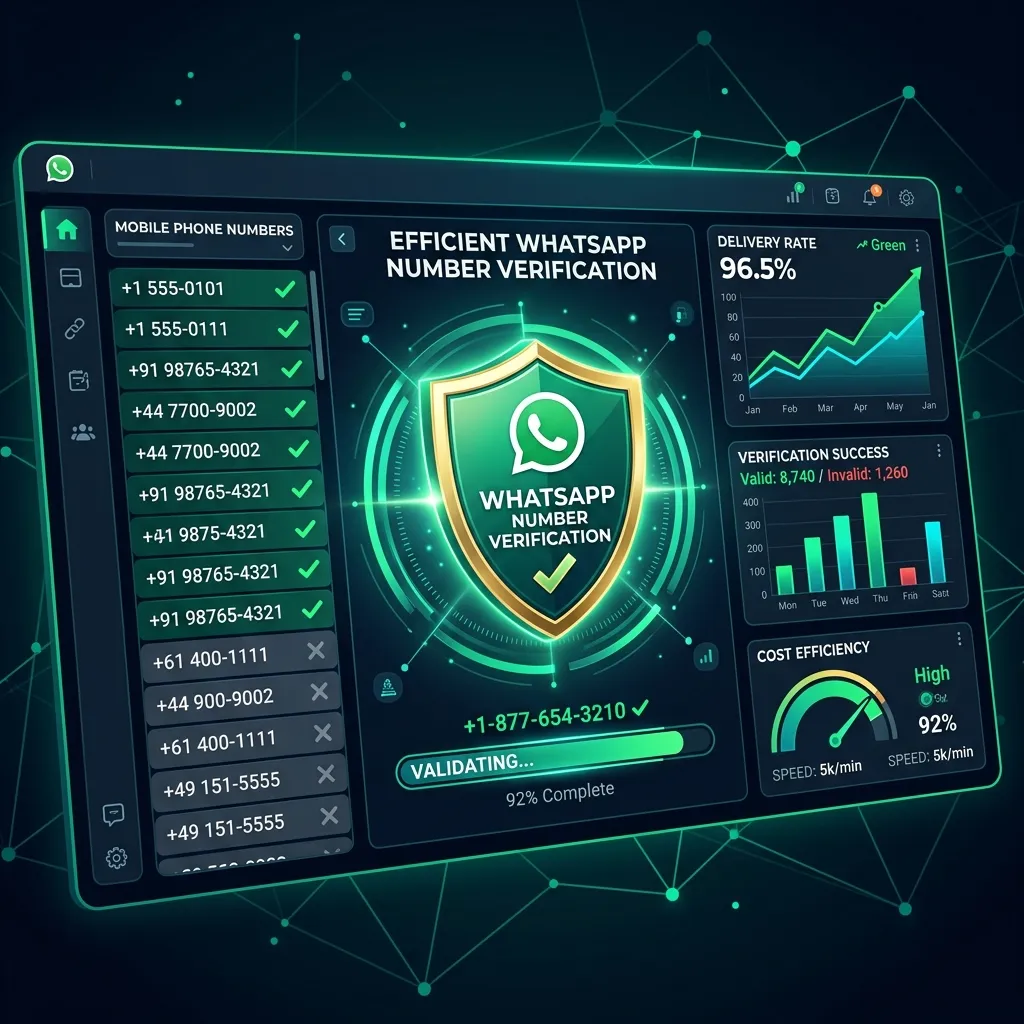 Verifying WhatsApp numbers ensures clean data, high delivery rates, and account safety.
Quick Summary: Why & How to Verify WhatsApp Numbers Safely
If you are looking for an immediate summary on WhatsApp number verification:
- Why Check Numbers? Unfiltered lead lists contain up to 40% invalid or unregistered numbers. Filtering them drastically reduces message delivery failures and keeps your sender account reputation healthy.
- The Verification Risk: Using unsafe third-party cloud scrapers or rapid automated query scripts can get your WhatsApp account flagged for abnormal activity or leak your private customer database.
- The WAChecker Solution: WAChecker runs locally inside your Google Chrome browser, utilizing native session protocol emulation and smart dynamic delays to verify thousands of numbers safely without cloud data exposure.
Why Verify WhatsApp Numbers? Key Benefits for Marketers
Running a bulk WhatsApp validation process before sending messages yields four major advantages for sales and marketing workflows:
1. Maximize Message Deliverability & Engagement
When your outreach target list contains 100% active WhatsApp accounts, your message delivery rates reach near 100%. High delivery rates ensure your team spends time interacting with real, active prospects rather than sending messages into a black hole.
2. Protect Your WhatsApp Sender Account from Bans
WhatsApp's anti-spam algorithm continuously tracks sender behavioral metrics. Accounts that attempt to send messages to numerous non-existent or unregistered numbers exhibit typical "bot scraping" behavior. This high bounce rate is a major red flag that triggers automated suspensions. Verifying numbers beforehand keeps your bounce rate at zero.
3. Save Operational Costs & API Credits
Whether you pay per outgoing message, utilize proxy bandwidth, or manage team labor costs, messaging invalid contacts burns resources. Pre-filtering numbers ensures every dollar of your marketing budget is directed exclusively at valid leads.
4. Database Hygiene & CRM Accuracy
Clean lead databases empower sales reps to focus on high-intent targets. Identifying which contacts are registered on WhatsApp allows you to segment your leads and route non-WhatsApp contacts to SMS or email channels instead.
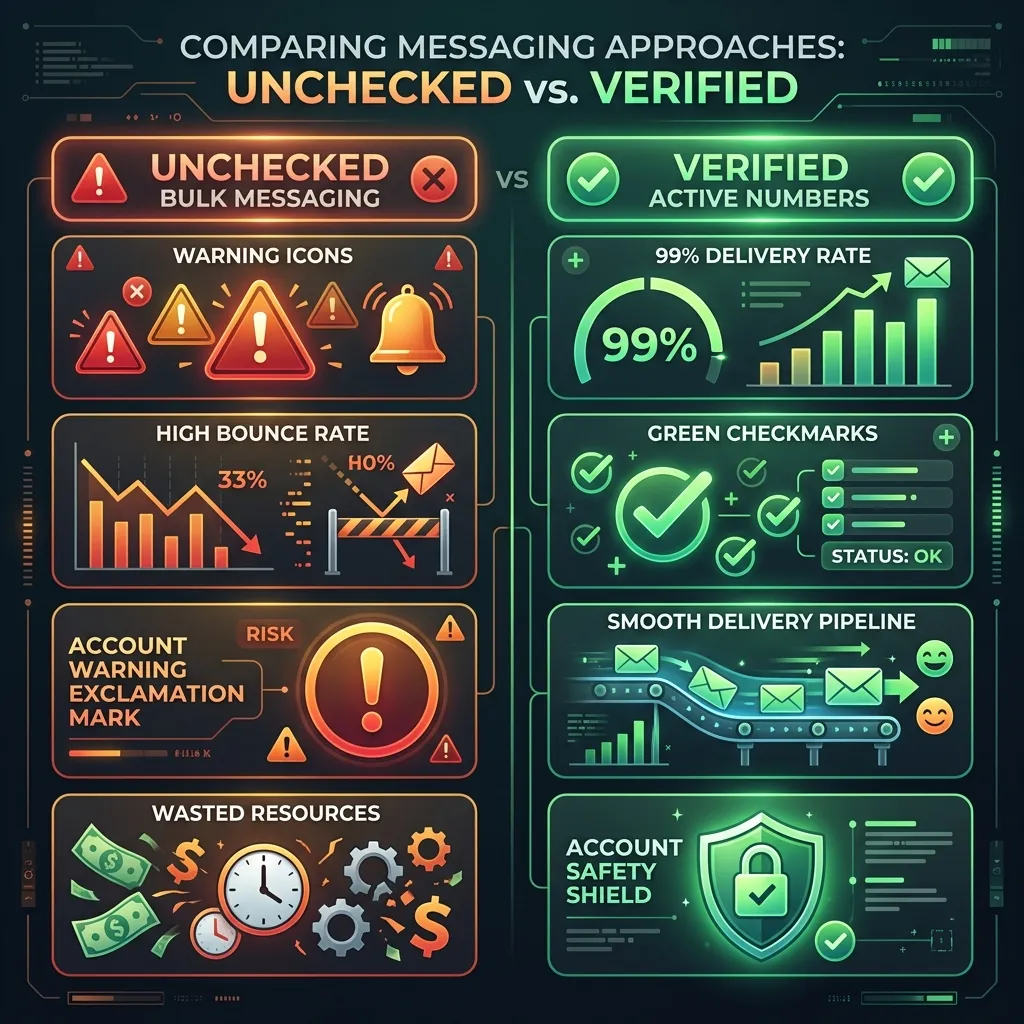 Comparison between unfiltered bulk outreach risks and pre-verified active number campaigns.
Bulk Verification at Scale
For businesses handling large lead databases—such as Google Maps lead scrapes, trade show attendee lists, or purchased B2B directories—manual checking one number at a time is impossible.
A dedicated bulk checker like WAChecker enables you to:
- Import Large Datasets: Load thousands of contacts via
.csvor.xlsxfiles in seconds. - Filter in Real Time: Scan lists systematically to distinguish between active personal accounts, WhatsApp Business accounts, and invalid numbers.
- One-Click Export: Download clean lists of verified active contacts ready to import directly into your WASender bulk sender pipeline.
The Hidden Risks of Number Verification
While checking numbers is essential, how you check them matters just as much. Using unreliable online checking services or unauthorized tools introduces serious security risks:
1. Account Suspension due to Rate-Limiting Violations
Many low-quality verification tools execute thousands of query requests per second. WhatsApp detects these sudden spikes in query velocity and flags the associated account or IP address for suspicious scraping behavior, resulting in immediate ban penalties.
2. Data Privacy & Customer List Leaks
Many third-party "free online WhatsApp checkers" require you to upload your raw phone list to their remote cloud servers. Unscrupulous providers may store, harvest, or resell your proprietary customer contacts to competitors, violating GDPR and data privacy compliance.
3. IP Blacklisting & WebRTC Leaks
Server-side scrapers often query WhatsApp endpoints from shared, flagged IP pools. Once an IP pool is blacklisted by WhatsApp, any checking activity routed through it will fail or trigger account security challenges.
How WAChecker Mitigates Verification Risks
The WhatsApp Number Checker extension (commonly known as WAChecker) was engineered specifically to solve these security and privacy bottlenecks. Here is how our browser extension architecture protects your marketing assets:
| Risk Factor | Traditional Cloud Checkers | WAChecker Chrome Extension Solution |
|---|---|---|
| Data Privacy | High Risk (Uploads lists to external cloud servers) | 100% Safe (Local browser execution, 0 cloud storage) |
| Account Ban Risk | High (Aggressive fast API calls) | Low (Smart Dynamic Sleep & Pacing Emulation) |
| Protocol Safety | Medium (Third-party reverse-engineered API) | High (Native WhatsApp Web Session Emulation) |
| List Export | Manual / Paywalled | Instant 1-Click CSV/Excel Export |
| Sending Integration | Requires separate manual upload | Direct 1-Click Launch with WASender Bulk Messaging Tool |
1. Local Browser Processing (Zero-Cloud Data Privacy)
WAChecker operates directly inside your local Chrome browser session connected to your Web WhatsApp instance. Your contact list never leaves your device and is never uploaded to any external server. Your customer data remains 100% private and confidential.
2. Smart Dynamic Pacing & Humanized Delays
WAChecker features built-in rate-limiting controls. You can set customized, randomized delay intervals (e.g., 2–5 seconds per check). By mimicking natural user interaction rhythms, the extension avoids triggering WhatsApp's automated anti-scraping alarms.
3. Native WhatsApp Web Protocol Emulation
Instead of using unstable or blacklisted third-party APIs, WAChecker interacts through legitimate Web WhatsApp session calls. This official-like communication layer ensures maximum checking accuracy without raising security flags.
4. Seamless Workflow with WASender Bulk Messaging Tool
Once validation finishes, you don't need to manually re-format spreadsheets. With one click, your verified list can be passed directly to WASender—the premier WhatsApp bulk messaging software designed for high-volume broadcasts—to send personalized outreach campaigns safely.
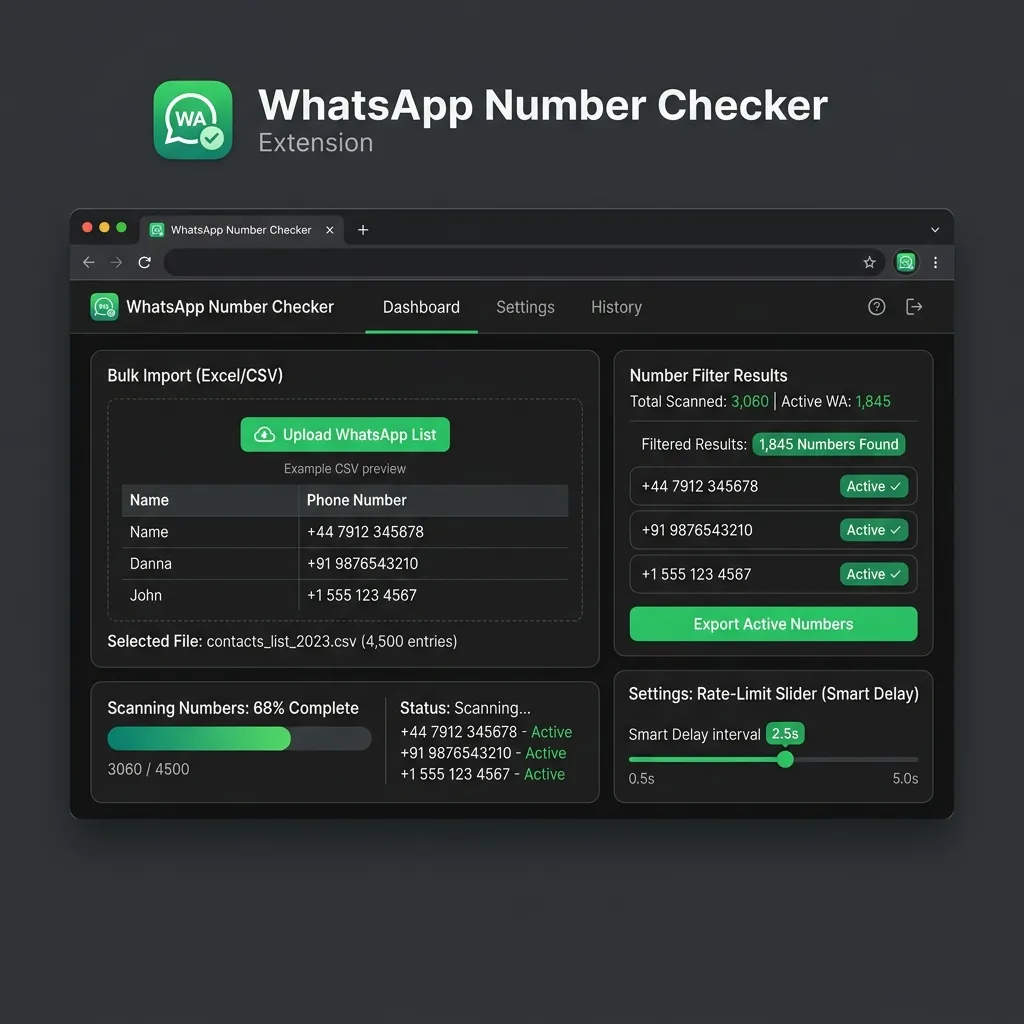 WAChecker extension interface featuring smart delay pacing, real-time status filtering, and one-click active list export.
How to Verify WhatsApp Numbers Step-by-Step
Follow these quick steps to validate your contact lists using WhatsApp Number Checker:
- Install the Extension: Add WhatsApp Number Checker to your Google Chrome browser.
- Open Web WhatsApp: Log in to your WhatsApp Web session in your browser.
- Import Your Phone List: Click the extension icon and upload your CSV/Excel file containing target numbers (ensure numbers include country codes, e.g.,
+1...or+44...). - Set Safe Pacing: Choose a recommended delay interval (e.g., 2 to 4 seconds) to ensure account safety.
- Start Checking: Click Start Check. The extension will scan the list and label active vs. inactive accounts in real time.
- Export & Outreach: Click Export Active Numbers to save the verified list or launch bulk outreach immediately via WASender.
Pre-Outreach Verification Checklist
Run through this checklist before launching any WhatsApp marketing campaign:
- Country Code Format: Are all phone numbers properly formatted with international country codes (e.g.,
+1for US,+91for India)? - Local Privacy Verification: Are you verifying numbers locally via WAChecker to prevent customer list leaks?
- Smart Delay Pacing: Is your checking speed set with randomized delays (at least 2–4 seconds per check)?
- Active List Filtering: Have all inactive or non-WhatsApp numbers been purged from your outreach file?
- Account Warm-Up: Is your WhatsApp sender account fully warmed up before initiating high-volume outreach?
Frequently Asked Questions (FAQ)
1. How fast can I verify a list of 10,000 WhatsApp numbers?
To protect your WhatsApp account from rate-limits, we recommend checking at a speed of 2 to 3 seconds per number. Batching your list into smaller chunks (e.g., 1,000 numbers per session) allows you to check thousands of numbers daily with zero risk to your sender account.
2. Can I check WhatsApp Business accounts vs. Personal accounts?
Yes! The WhatsApp Number Checker identifies whether a registered number is a standard personal WhatsApp account or an official WhatsApp Business profile, allowing you to segment your B2B and B2C campaigns effectively.
3. Does verifying numbers cost money?
WAChecker offers free testing and affordable bulk checking plans. Unlike expensive pay-per-lookup API services, WAChecker provides unlimited browser-based validation, giving you the best cost-to-value ratio.
4. Will my WhatsApp account be banned if I check too many numbers?
Not if you use WAChecker with recommended dynamic delay settings! By avoiding aggressive instant scraping and running locally in your browser session, WAChecker maintains an exceptional safety record.
💡 Start Verifying Your WhatsApp Contact Lists Today!
Don't let unverified phone lists ruin your sender account reputation or waste your marketing resources. Start validating your numbers with WAChecker today to achieve peak deliverability, protect your accounts, and maximize sales conversions.
Click here to Try WhatsApp Number Checker Now and verify your contact lists safely!
WhatsApp Broadcast 2026 Ultimate Guide: How to Bulk Send to Non-Contacts With 0 Ban
Master how to send WhatsApp broadcast to non-contacts. A concise WASender tutorial on using a WhatsApp Bulk Sender to automate outreach and avoid bans.
Verificador de Números de WhatsApp Gratis – Verifique Números Activos
Domine el método de verificación de números de WhatsApp para verificar instantáneamente los números activos. Esta guía le muestra 3 formas eficientes de filtrar contactos válidos y mejorar su flujo de trabajo de marketing.